Perfect Print
2 Hours Ago
49.03 MB
1.0.7
Android 6.0+
17M+
Description
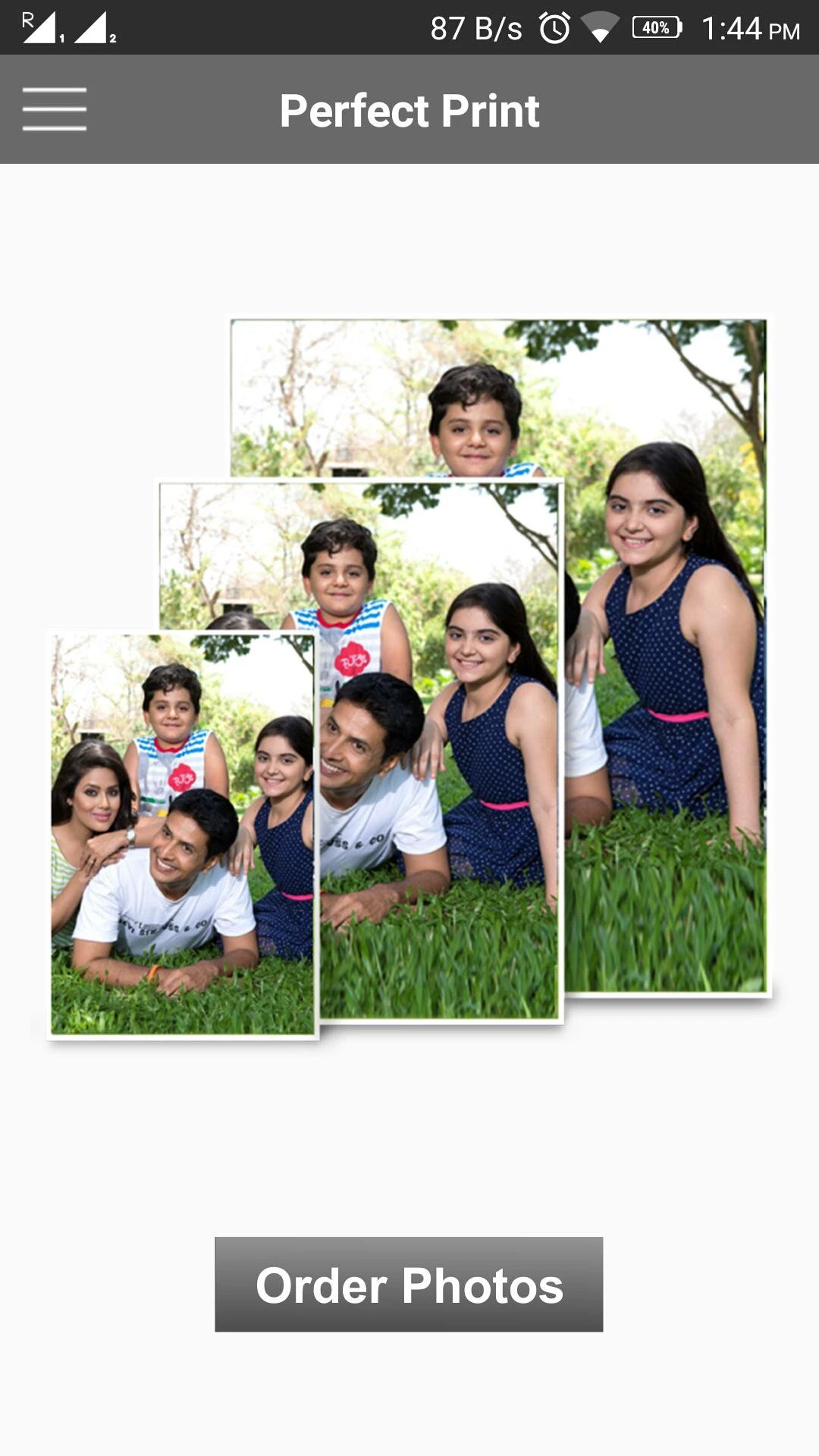
Anyone who’s attempted printing images at home or office knows the frustration photos emerge too large, too small, oddly cropped, or wasting paper through poor layout planning. What looked perfect on screen transforms into disappointing physical prints because digital images and physical paper dimensions exist in fundamentally different measurement systems. Perfect Print APK bridges this gap by providing precise centimeter-based image sizing tools that confirm your digital visuals translate flawlessly to printed reality.
For students preparing project materials, professionals creating presentation handouts, small business owners designing promotional materials, or anyone needing reliable print preparation without expensive design software, Perfect Print delivers practical solutions transforming print headaches into straightforward processes.
The Print Preparation Challenge Most People Face
Digital images exist as pixels abstract units describing screen display but offering no inherent information about physical size. When you print these images, software must convert pixels into centimeters or inches, and this conversion often produces unexpected results. That profile photo perfectly filling your phone screen might print as tiny thumbnail or massive blur depending on resolution and printer settings.
Most basic photo apps lack tools for specifying exact physical dimensions. You might adjust pixel counts or percentages without clear understanding of resulting print sizes. Print preview features help somewhat but often misrepresent actual output. The cycle repeats print, discover it’s wrong, adjust blindly, waste more paper and ink, repeat until accidentally getting acceptable results.
Perfect Print APK solves this fundamental problem by making physical dimensions primary rather than secondary. Instead of manipulating abstract pixels and hoping for correct print sizes, you specify exactly how many centimeters tall and wide you want images to appear on paper. This direct approach eliminates guesswork and wasted materials.
Why Centimeter-Based Sizing Matters
While some regions use inches for measurements, centimeters provide more precise control for detailed layout work. Paper sizes worldwide follow metric standards A4 measures exactly 21 × 29.7 centimeters, A5 is 14.8 × 21 centimeters, and so forth. Working in centimeters when preparing content for these standard paper sizes creates natural alignment between your intentions and final results.
Perfect Print’s centimeter-based interface lets you think in physical dimensions from the start. Need an image exactly 10 centimeters wide for a specific layout? Enter 10 cm. Want it 7.5 centimeters tall maintaining proportions? Specify that directly. This precision proves invaluable when creating materials with exact spacing requirements, fitting multiple images on single sheets, preparing templates for repeated printing, or matching existing printed materials.
The precision becomes especially valuable for professional contexts. School presentations demand consistent image sizing across multiple pages. Office reports benefit from uniform visual dimensions creating polished appearances. Marketing materials require exact sizing for brand consistency. Rather than eyeballing sizes or calculating pixel conversions, you work directly with physical measurements confirming accuracy.
Supporting Standard Paper Formats for Real-World Needs
Perfect Print recognizes that most printing happens on standard paper sizes rather than custom dimensions. The app supports formats including A4 (standard office and school paper worldwide), B5 (common for books and notebooks), and other widely-used sizes confirming your layouts match available paper.
This standardization streamlines workflow significantly. Select your target paper size, and Perfect Print provides accurate canvas matching those exact dimensions. You immediately see how images fit within available space, how much room remains for additional content, whether current sizing allows desired layouts, and how final prints will appear.
Working within standard formats also prevents common mistakes like designing layouts that don’t fit available paper, creating content that wastes significant paper margins, or producing prints requiring manual trimming. The app confirms what you design fits what you can actually print.
Multi-Image Layout Capabilities
One of Perfect Print’s most practical features is handling multiple images on single sheets. Rather than printing one photo per page and wasting paper, you can arrange several images efficiently maximizing paper usage while maintaining desired sizes.
The workflow becomes straightforward. Add all images you want to print. Specify exact dimensions for each using centimeter measurements. Arrange them on your chosen paper size using drag-and-drop positioning. The visual interface shows exactly how everything fits together before printing.
This multi-image capability serves numerous scenarios. Creating photo collages for scrapbooking or displays. Preparing visual aids with multiple diagrams or illustrations. Designing handouts combining several images with space for text. Printing multiple wallet-sized photos on standard paper. Arranging product photos for catalogs or presentations.
The efficiency gains prove substantial. Instead of wasting multiple sheets printing single images, you might fit four, six, or more images per page depending on sizes. This conserves paper, reduces ink usage, and speeds up overall printing processes.
Intuitive Drag-and-Drop Interface
Technical precision doesn’t require complicated interfaces. Perfect Print combines exact measurement control with visual, intuitive layout tools making the app accessible regardless of technical expertise.
The drag-and-drop functionality works naturally. Images appear on your virtual paper canvas. Click and drag to reposition them anywhere. Handles allow resizing while maintaining proportions or adjusting dimensions independently. Rotation tools let you orient images precisely. Everything happens visually with immediate feedback showing exactly how your layout develops.
This visual approach makes layout decisions easier than working with numerical coordinates alone. You see spacing between images, alignment across the page, how elements balance visually, and whether arrangements feel crowded or well-distributed. The combination of precise numerical control and visual manipulation provides best of both approaches.
Practical Applications Across Different Contexts
Perfect Print serves diverse printing needs beyond just photo printing. Students preparing school projects often need precisely sized images fitting specific layout requirements. Perfect Print confirms diagrams, charts, and illustrations appear at intended sizes rather than being arbitrarily scaled by word processors.
Office professionals creating reports, presentations, or training materials benefit from consistent image sizing creating polished, professional appearances. When every chart appears at the same dimensions and every photo maintains uniform sizing, documents look intentionally designed rather than hastily assembled.
Small business owners and entrepreneurs can prepare marketing materials without expensive design software. Product photos for catalogs, promotional flyers with image layouts, instructional materials with step-by-step visuals, and display materials all become manageable through Perfect Print’s accessible tools.
Crafters and hobbyists find value in preparing printed materials for various projects. Scrapbooking benefits from precisely sized photos fitting specific layouts. Card making requires exact dimensions for design elements. Artistic projects might need reference images printed at particular sizes.
Avoiding Common Print Preparation Mistakes
Many printing frustrations stem from preventable errors that Perfect Print helps avoid. One common mistake is ignoring resolution when sizing images. Enlarging small digital images beyond their resolution creates blurry, pixelated prints. Perfect Print’s precise sizing helps you recognize when you’re pushing images beyond quality thresholds.
Another frequent error involves ignoring printer margins. Most printers cannot print to paper edges, leaving blank borders around prints. Perfect Print’s paper format templates account for these margins, showing usable print areas and preventing designs that get cut off.
Wasteful layouts represent another avoidable problem. Printing single small images on large sheets wastes most of the paper. Perfect Print’s multi-image capabilities and visual layout tools make efficient paper usage natural and easy.
Streamlining Repetitive Printing Tasks
For users who regularly print similar layouts, Perfect Print streamlines repetitive processes. Once you’ve created effective layouts for common tasks, reproducing them becomes quick and consistent.
Someone regularly printing portfolio materials can establish standard image sizes and layouts confirming consistent presentation. Teachers preparing classroom materials can create template arrangements for recurring worksheet formats. Business users with routine reporting needs can standardize visual layouts maintaining professional consistency.
This efficiency compounds over time. Initial setup requires thought and planning, but subsequent iterations happen quickly using established approaches. The time saved across multiple printing sessions significantly outweighs initial learning investment.
When Professional Print Services Aren’t Necessary
Not every print job requires professional services. Perfect Print empowers users to handle many printing needs independently using home or office equipment. This saves money on professional printing fees, eliminates turnaround time waiting for print shops, allows immediate revisions and reprints, and provides complete control over final results.
The independence proves particularly valuable for iterative projects where you refine layouts through multiple test prints. Professional services make sense for final, high-volume printing, but Perfect Print lets you perfect designs using affordable home printing before committing to professional runs.
Who Benefits Most From Print Preparation Tools
Perfect Print particularly serves users without professional design software who still need precise print control, people handling frequent printing tasks wanting efficiency improvements, students and educators preparing visual learning materials, small business owners creating marketing and operational materials, and hobbyists engaged in crafts requiring printed components.
Anyone who’s felt frustrated by imprecise, wasteful, or unpredictable printing results will appreciate Perfect Print’s straightforward approach to solving these common problems.
Final Thoughts
Perfect Print APK transforms print preparation from frustrating guesswork into controlled, precise processes. By prioritizing physical dimensions over abstract pixels, supporting standard paper formats, and combining exact measurements with intuitive visual tools, it makes professional-quality print preparation accessible without expensive software or specialized expertise.
Download Perfect Print from official sources like Google Play Store confirming legitimate, secure software. Explore its paper format options. Experiment with multi-image layouts. Use precise centimeter measurements. And discover how simple tools focused on solving real problems often prove more valuable than complex applications offering features you’ll never use.
For anyone regularly printing images, preparing visual materials, or simply tired of wasted paper and disappointing results, Perfect Print APK delivers practical solutions proving that the best apps often aren’t the flashiest they’re the ones that reliably solve problems you actually have.